How CleanMoo works
From the first booking
to a job well done.
Book the job, assign the team, finish the work, then invoice.
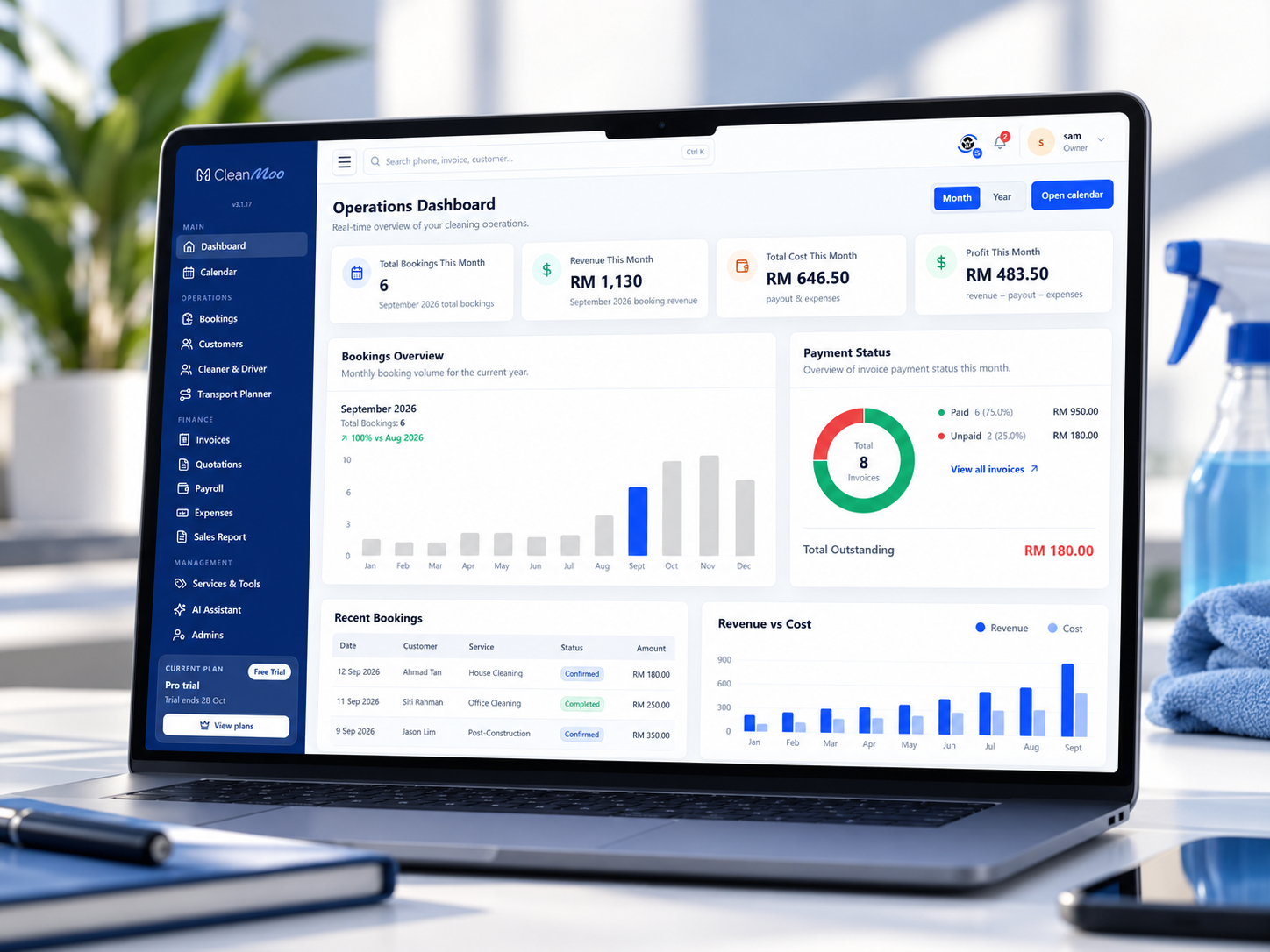
Step 01 · Book
Every job starts with a clear booking.
Take the date, address and service from a form, call or existing customer. Give the office a complete record to work from.
- Keep date, time and service together
- Attach customer details and access notes
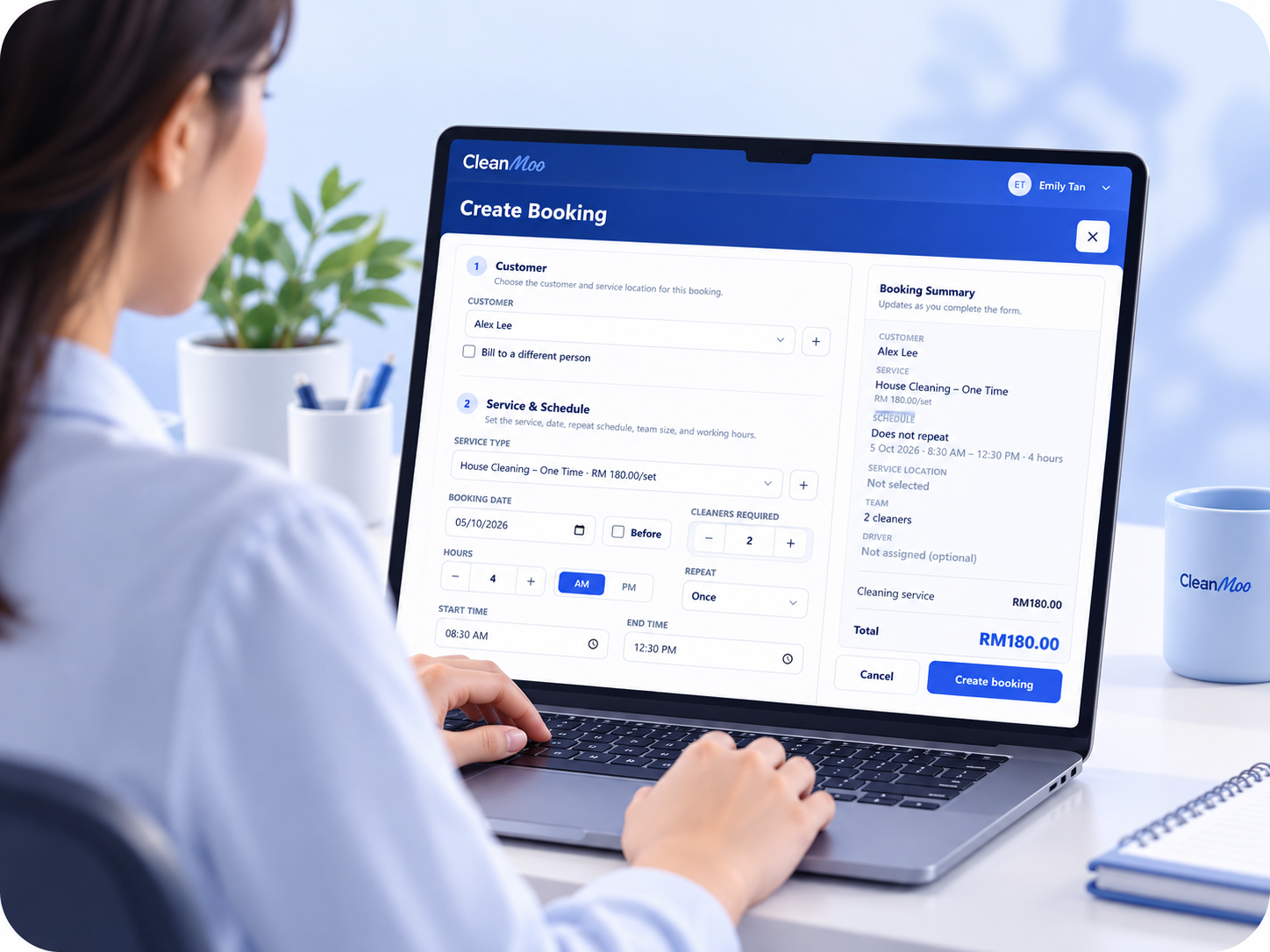
Step 02 · Assign
The right people. The right place.
Put a named maid, cleaner or driver on the booking. Office and field staff look at the same company schedule.
- Plan recurring and one-off cleaning jobs
- Keep each assignment visible on the calendar
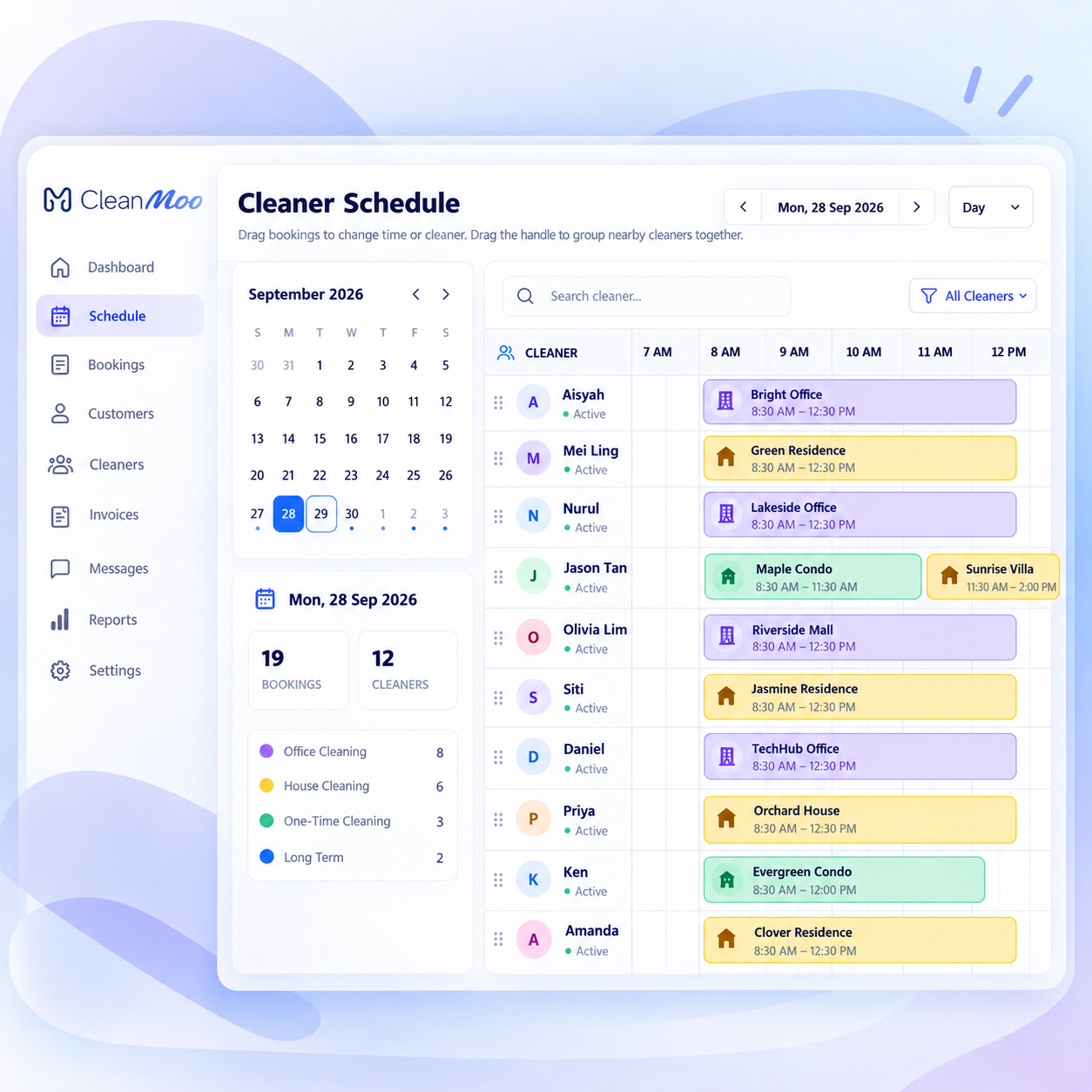
Step 03 · Work
Keep the job moving, wherever you are.
The field team opens the job on mobile, tracks time and adds notes or photos. The office can follow the work through to completion.
- Open the location and instructions on a phone
- Store photos, notes and status with the job
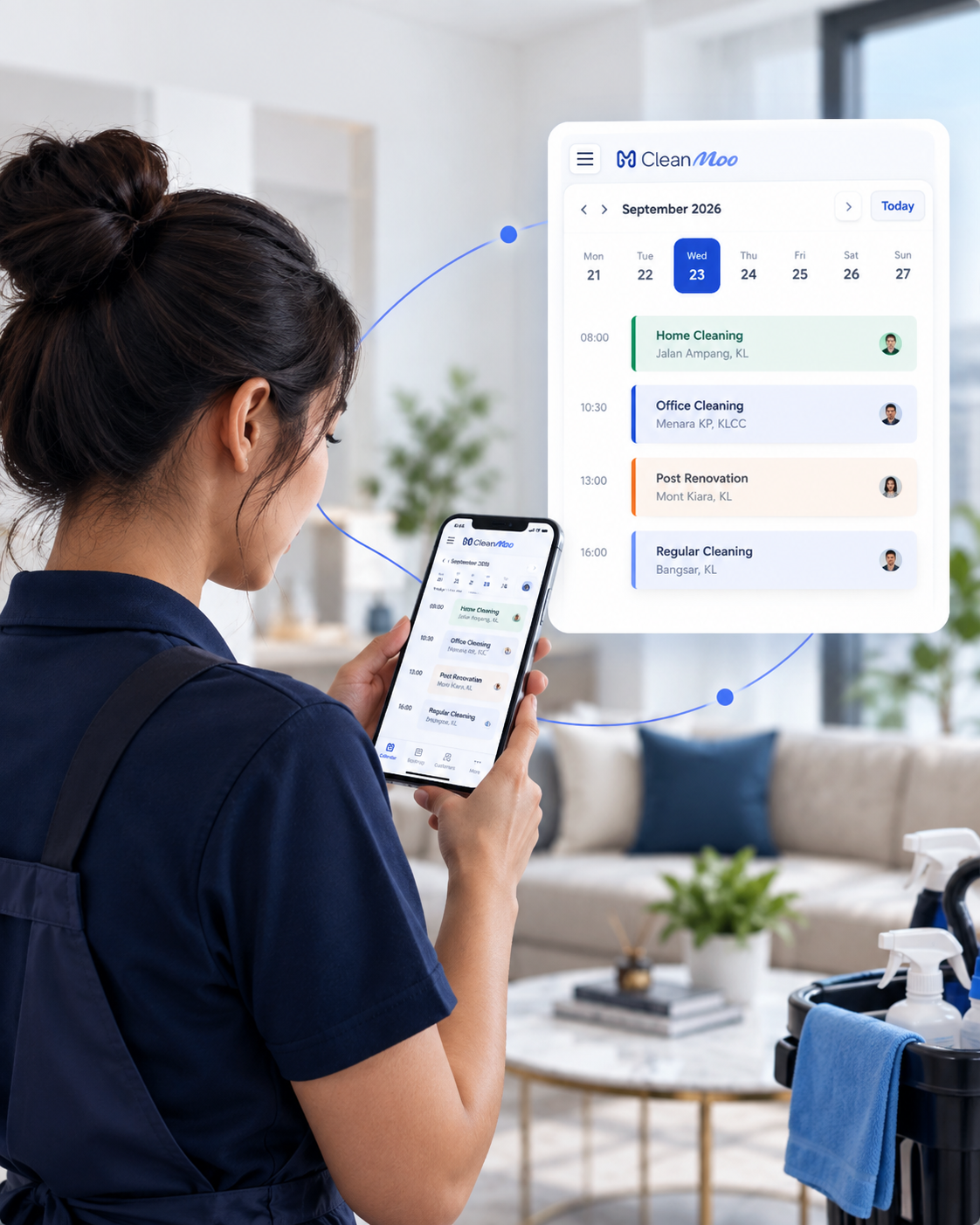
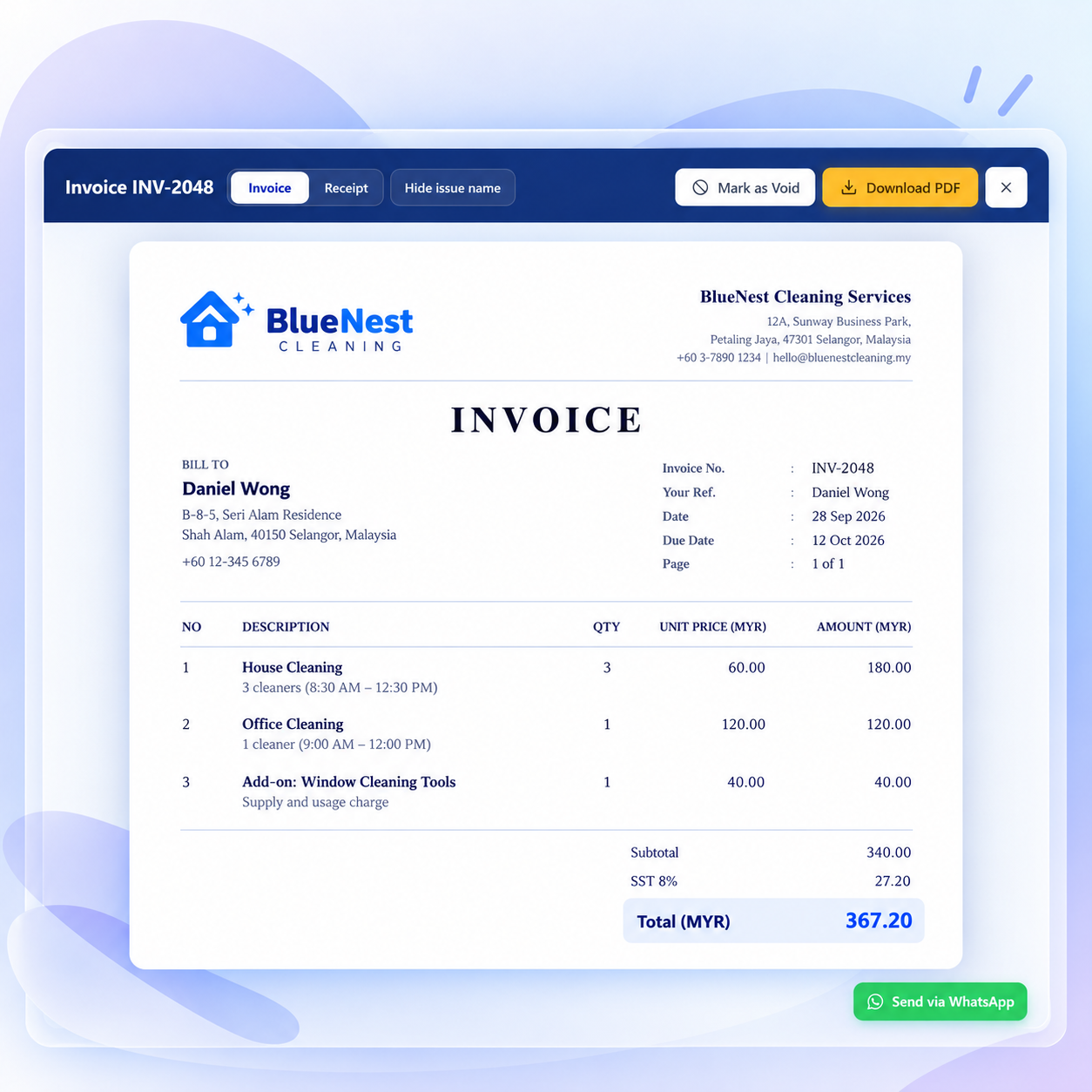
Step 04 · Invoice
Completed work. Clearer billing.
Create the invoice and record whether it is paid. Keep customer follow-ups connected to the work you actually completed.
- Create invoices with job details
- See outstanding payments and follow up
Step 05 · Review
End the week with the full picture.
On Growth and Pro, connect completed jobs to salary payout. On Pro, add job distance so you can review transport alongside the work.
- Review cleaner pay from completed jobs
- Track driver job distance on Pro
Less admin. More control.
A calmer workday starts here.
See how your bookings, people and payments come together. Let’s walk through CleanMoo with your cleaning team.
Built for cleaning companies in Malaysia.