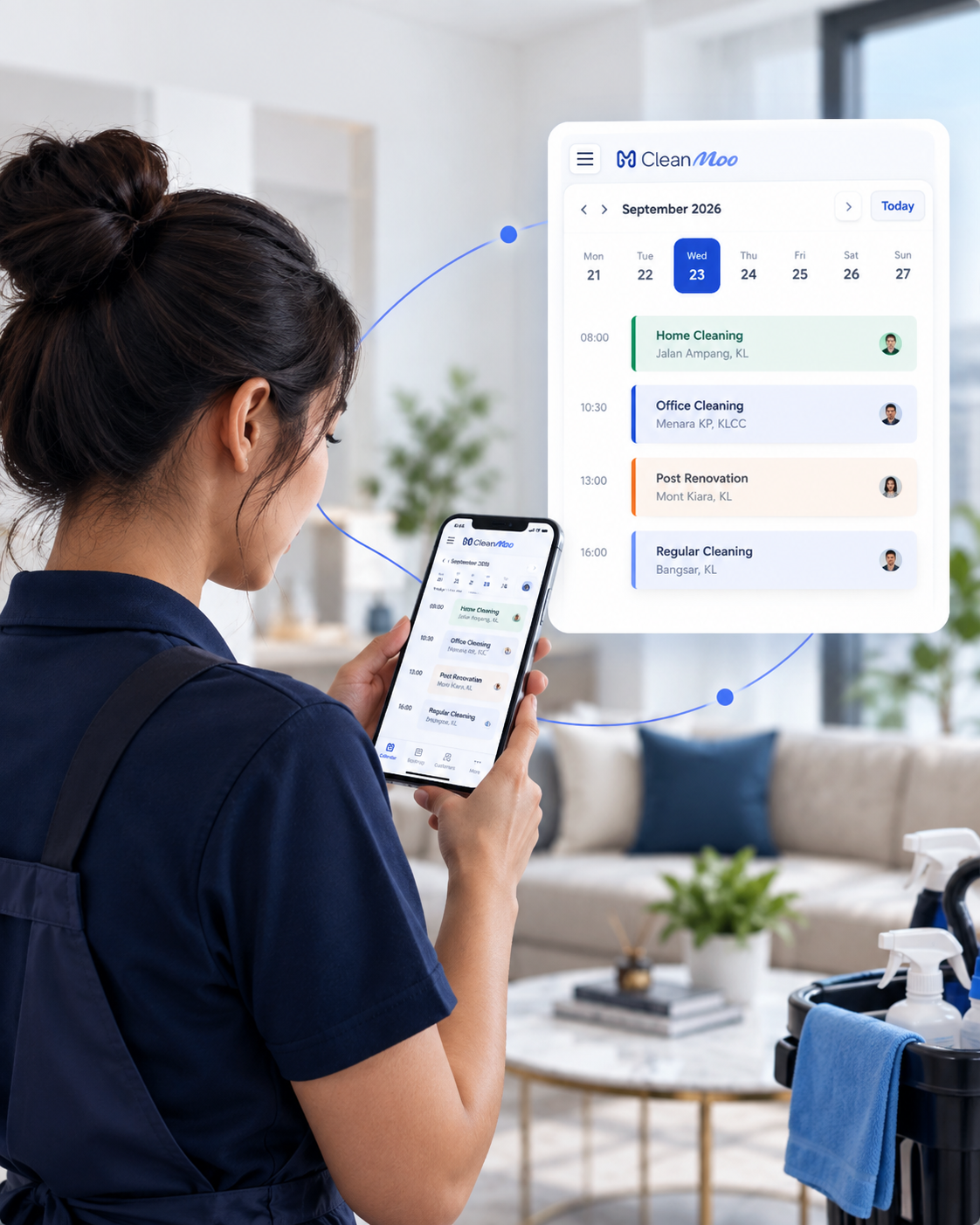
Who it’s for
Built around
your working day.
For cleaning businesses that want the office and field team working from the same information.
- Supervisors who need job status without calling every cleaner
- Teams that collect before-and-after photos
- Companies moving off notebooks and chat threads for job proof
- Owners who want a branded form or shareable link, so new bookings land as jobs
Booking form
Host a branded form on your site, or send a standalone link. Enquiries land as jobs you can schedule and assign.
Status in one place
Know which jobs are upcoming, in progress or done.
Photos and notes
Keep visual proof and comments on the job instead of scattered phone albums.
Field and office together
The same job record is useful for cleaners on mobile and admins at the desk.
How it works
A simple flow.
A clearer day.
Take the booking
Share a form or link, or open a job the office already has. Address, service and timing stay on the record.
Do the work
The assigned person sees the time, place and instructions, then tracks time, notes and photos on site.
Close the loop
Office staff can see completed work before invoicing or payout review.
Keep everything connected
The next step is
already connected.
Explore the features and practical guides that work alongside this part of your day.
A little more clarity
Good questions.
Clear answers.
A few things to know about job management before you get started.
Less admin. More control.
A calmer workday starts here.
See how your bookings, people and payments come together. Let’s walk through CleanMoo with your cleaning team.
Built for cleaning companies in Malaysia.